Self-Service Kiosk — Smart Solutions for Your Business
Self-service kiosks offer modern solutions that improve the customer experience and increase operational efficiency in today's business world. Used across various industries, these devices contribute to the digitalization processes of businesses.
4 products found


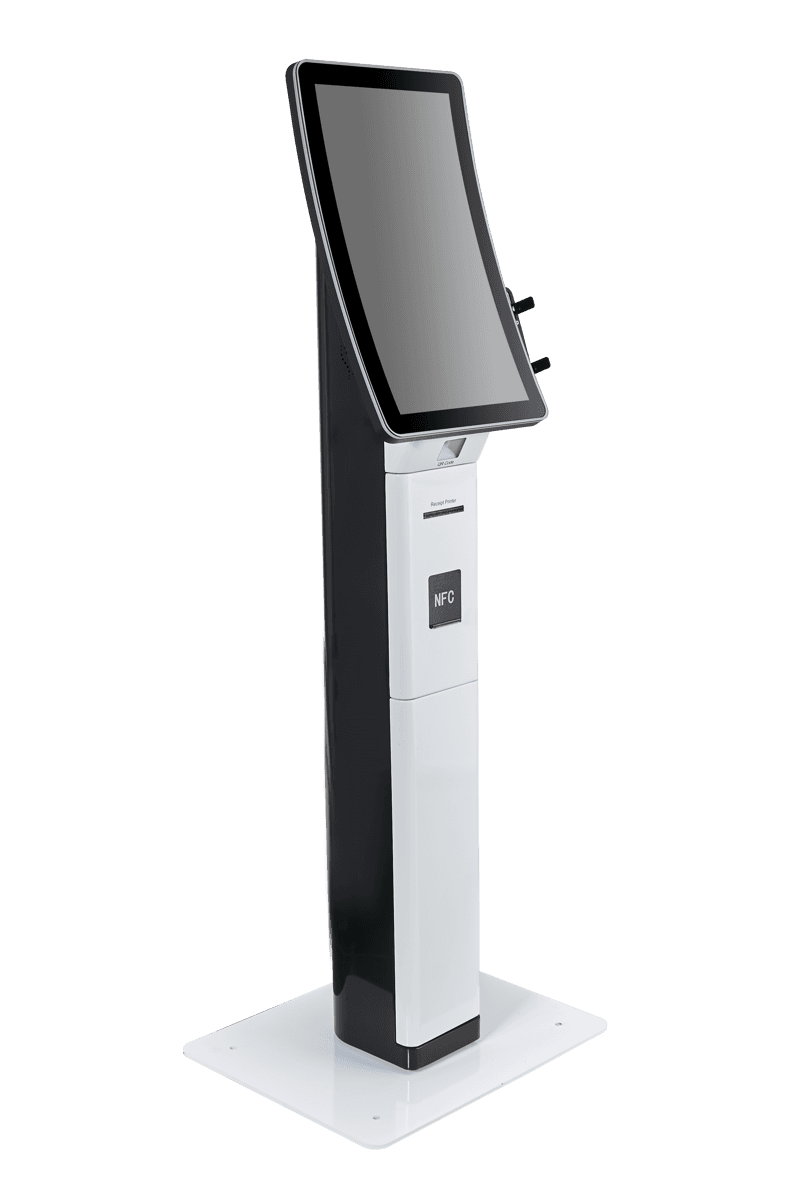
What is a Self-Service Kiosk?
A self-service kiosk is an interactive terminal that allows users to complete a service or transaction without staff assistance. Typically equipped with a touchscreen, it performs various functions through software and hardware integration. These kiosks offer the potential to reduce waiting times and increase customer satisfaction.
What is it used for?
Self-service kiosks are used across many industries, including retail, food and beverage, healthcare, banking, and transportation. They are preferred for tasks such as taking orders, printing tickets, checking in, querying information, or processing payments. They can help businesses reduce the workload on human resources and provide 24/7 service.
How to Choose?
When choosing a self-service kiosk, you should consider your business needs and intended use. Key criteria include screen size, processor power (such as i5 or J6412), RAM (such as 8GB), storage capacity (such as 256GB SSD), and integrated peripherals (such as barcode printers or scanners). Additionally, software compatibility and durability should also be taken into account.
What to Consider?
When purchasing a kiosk, it is important to consider the device's performance, security features, and ease of use. A robust construction and easy maintenance offer significant advantages for long-term durability. Additionally, after-sales services such as software updates and technical support are key factors to evaluate.
Comparison
| Specification | Quanmax KSK-3200 (With Barcode Printer) | Quanmax Zenyo (with Barcode Scanner) | Quanmax Zenyo KSK-3200 (J6412) |
|---|---|---|---|
| Screen Size | 32'' | 32'' | 32'' |
| Processor | i5 | i5 | J6412 |
| RAM | 8GB | 8GB | 8GB |
| Storage | 256GB SSD | 256GB SSD | 256GB SSD |
| Additional Equipment | Barcode Printer | Barcode Scanner | Not specified |
Frequently Asked Questions
In which sectors can self-service kiosks be used?▾
Self-service kiosks can be used in many different sectors, such as retail, food and beverage, healthcare, banking, transportation, and public services.
What are the key features of a self-service kiosk?▾
Key features include a touchscreen, a processor (such as i5 or J6412), RAM (such as 8GB), storage (such as a 256GB SSD), and integrated peripherals like a barcode printer or scanner.
What benefits do self-service kiosks provide to businesses?▾
It provides businesses with benefits such as increased operational efficiency, reduced customer waiting times, 24/7 service availability, and a lighter workload for staff.
What should you consider when choosing a kiosk?▾
When choosing a kiosk, factors such as screen size, processor power, storage capacity, integrated hardware, software compatibility, security, and after-sales support should be considered.
Is a 32-inch kiosk screen sufficient?▾
A 32-inch screen can enhance the user experience by offering a spacious and readable interface for most self-service kiosk applications.
What is the importance of SSD storage units for kiosks?▾
The SSD storage unit ensures faster kiosk boot times, smoother application performance, and an increase in overall system performance.